

Many people have noticed the same pattern: you look up a pair of shoes, research a topic, or search for a local service, and related advertisements start appearing on other websites. The effect can feel intrusive even when it comes from ordinary ad-tracking systems.
This phenomenon is often driven by third-party tracking scripts, cookies, and ad networks that collect signals about browsing activity. Those signals may be used to group users into advertising audiences and serve more personalized ads across different sites.
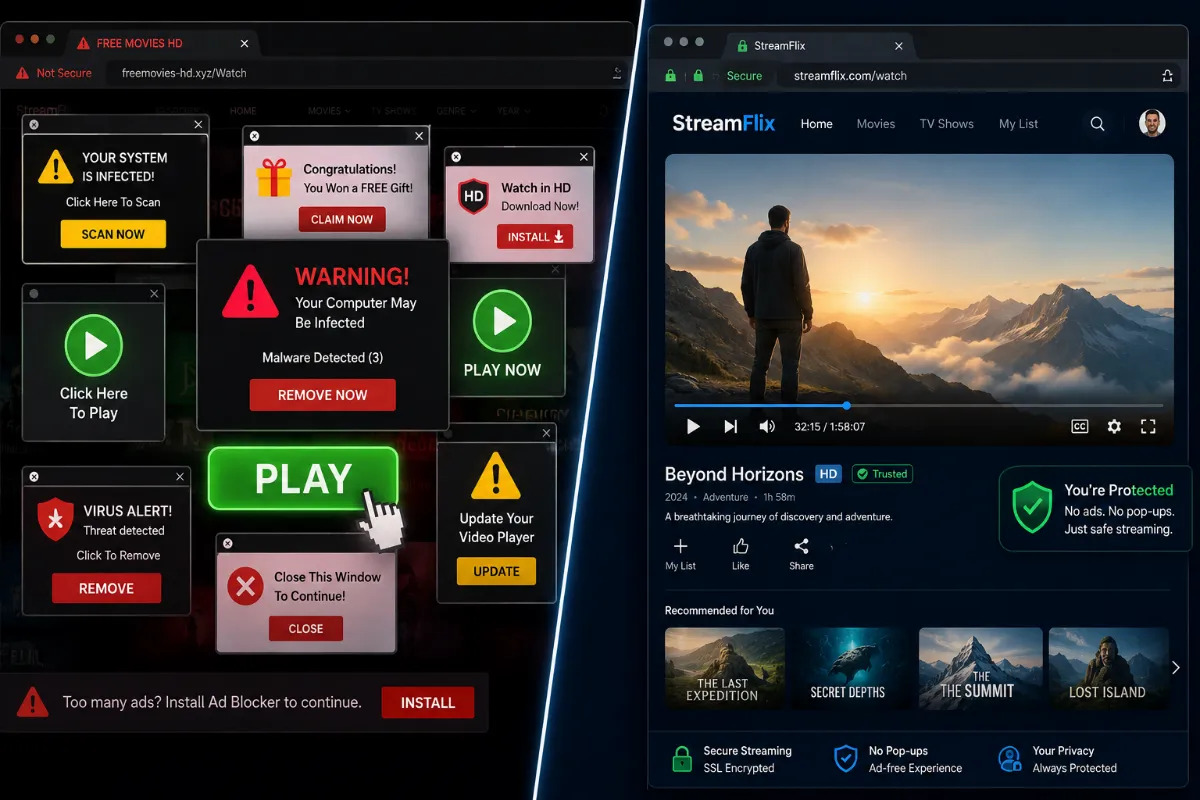
You can take practical steps to reduce some of this tracking while continuing to use the web normally.
Total Adblock is a browser extension designed to filter ads, pop-ups, and known tracking scripts. By blocking many common third-party requests, it can reduce the amount of tracking activity that loads during ordinary browsing. It runs quietly in the background with settings you can review and adjust.
The Core Benefits of Blocking Web Trackers:
Reduce Retargeting
Limit some of the tracking requests that contribute to ads following you from site to site.
Protect Sensitive Data
Reduce exposure to third-party scripts that may collect signals about sensitive browsing topics.
Reduce Tracking Signals
Block many hidden tracking scripts that contribute to cross-site advertising profiles.
Lighter Page Loads
Blocking ad and tracker requests can reduce background network activity on many pages.
More Control
Use clearer filtering controls to decide which sites and trackers are allowed to load.
How Do I Get Started?
Getting started with browser filtering is simple.
After setup, you can review the filtering options and adjust trusted sites when needed.
